How to spot a scam
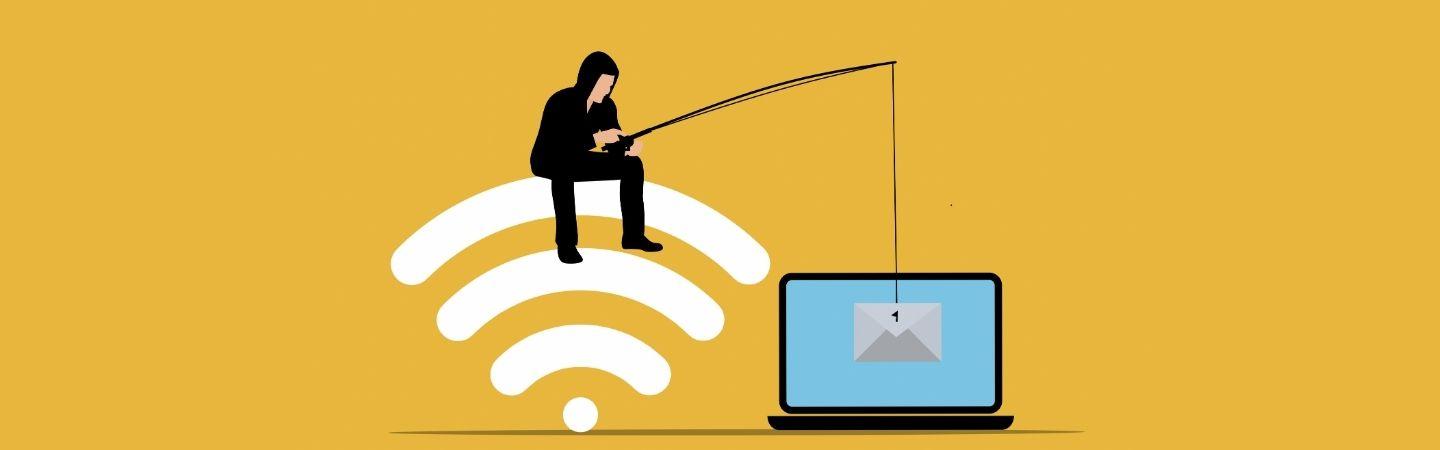
Any of us can be caught out by scammers, they deliberately target our better natures and use manipulative tactics. If you sense something’s not quite right, trust your gut. Knowing how scammers operate could help protect you from harm, learn about psychological tactics criminals use.
There are so many different types of scam, it can be bewildering. We've developed a simple guide to the various ways fraudsters try to rip you off. Find out about the most common types of scams. If you, or someone you know, has been a victim of scams find out how to report it.
Shopping online
According to the Office of National Statistics, nearly a third of the shopping in the UK is done online. Which is why criminals are increasingly turning to web-enabled fraud to steal money and personal details. The good news is there are steps you can take to shop safely and securely:
- Ensure that the shop itself is legitimate - check the link and look at trusted reviews.
- Use a credit card (if you have one), many protect online purchases as part of the Consumer Credit Act.
- Only provide required details on checkout - check out as a guest if you can, don't create an account for the store.
- Watch out for suspicious links. Criminals insert malicious links into SMS text messages, emails, and social media posts.
If you you’ve been tricked into making a payment, tell your bank and report it as a crime to Report Fraud (for England, Wales and Northern Ireland) or Police Scotland (for Scotland).
Passwords vs Passkeys
We all know the horror stories of hacking, online scams and identity theft. But what are the quickest, most important things for you to do today to ensure it doesn’t happen to you?
According to the National Cyber Security Centre it's better to use a passkey than a password to keep your information safe. Passkeys are a more secure alternative to passwords that you don't need to remember as they are created and managed safely on your device. Here's advice on what you need to know about passkeys.
If you are using passwords, then here are some things you can do to make them more secure.
Create a separate password for your email account
Your personal email account contains lots of important information about you and is the gateway to all your other online accounts, including banking, social media and online shopping. If your email account is hacked all your other passwords can be reset, so use a strong password that is different to all your others. Learn how to reset your email password here.
Use 3 random words
Weak passwords can be hacked in seconds. So using 3 random words is the recommended way of generating passwords, as it is easier to remember and harder for a computer algorithm to crack. Start with your most important accounts, and replace your old passwords with new ones.
The Cyber Resilience Centre recommend looking around the room and picking three things your see, for example table, computer, map would become tablecomputermap. Avoid using words associated with you, like your surname. See some examples of strong vs commonly used passwords here.
Two-step verification (2SV)
Two-step verification is a free security feature that gives you an extra layer of protection online and stops cyber criminals getting into your accounts - even if they have your password.
2SV reduces the risk of being hacked by asking you to provide a second factor of information, like a text or code, when you log in. It checks that you are who you say you are. It's also called two-factor authentication (2FA) or multi-factor authentication (MFA).
Find out more in our 2SV toolkit, or turn on 2SV on email and social media accounts.
More useful resources
- Download Neighbourhood Watch cybercrime toolkits
- National Cyber Security Centre tips to help you purchase items safely and avoid fraudulent websites.
- CyberAware is the UK government's advice on how to stay secure online.
- The Cyber Resilience Centre supports small and medium-sized businesses and third sector organisations to reduce their vulnerability to cybercrime.